Useful categories
Open images, videos, audio, documents, APKs, and archives in fewer taps.
File management, simplified
FileGo gives local storage a calmer, more useful home. Browse folders, jump into file categories, revisit recent items, and search without the clutter.
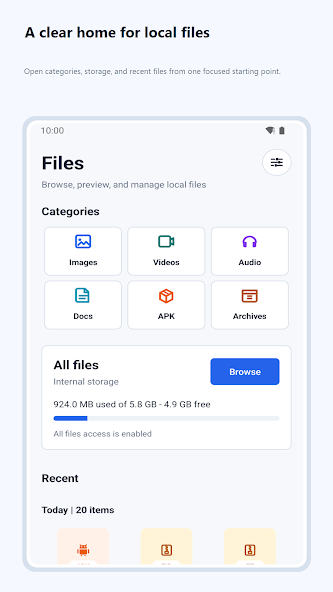
Open images, videos, audio, documents, APKs, and archives in fewer taps.
Return to the files you have used lately from one focused starting point.
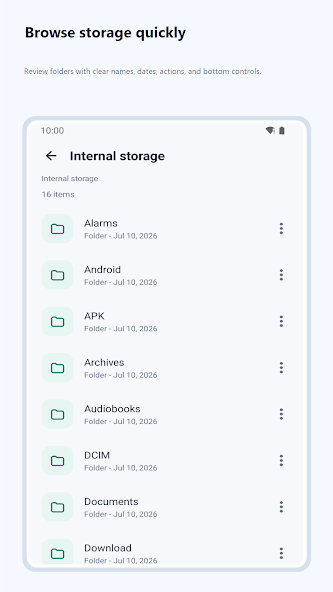
Browse the full storage view or search the current folder by file name.
Built around the way you browse
FileGo turns the everyday file manager into a clear overview, while keeping full folder access close whenever you need it.
01 / Overview
Start with the big picture instead of a raw folder list. Open a file category, check storage, revisit recent items, or move straight into all files.
View screenshot
02 / Browse
Move through local folders with readable names, useful details, and familiar controls. The full storage view stays simple even when your device is not.
 View screenshot
03 / File types
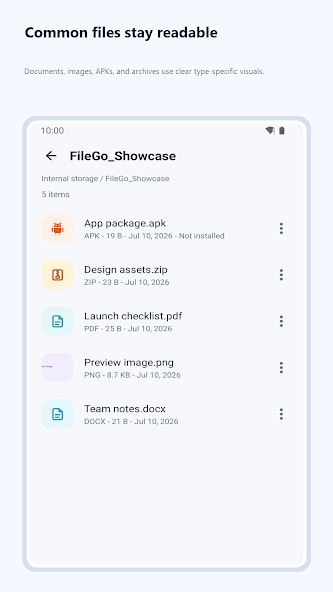
Documents, images, APKs, and archives get clear type-specific visuals, so mixed folders are easier to understand at a glance.
 View screenshot
04 / Search
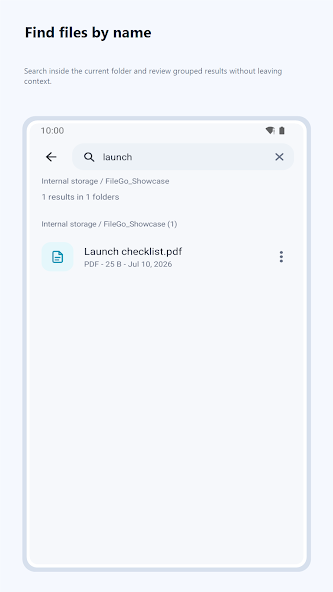
Search inside the folder you are viewing and see grouped results without losing your place. FileGo keeps the current path and context visible.
 View screenshot
A closer look
A focused interface keeps the tools you need visible and the rest out of the way.
Ready when your files are
Browse, search, and manage everyday files through a clean interface built for Android.